01 / CAPTURE〰
Listen first.
Record with ease.
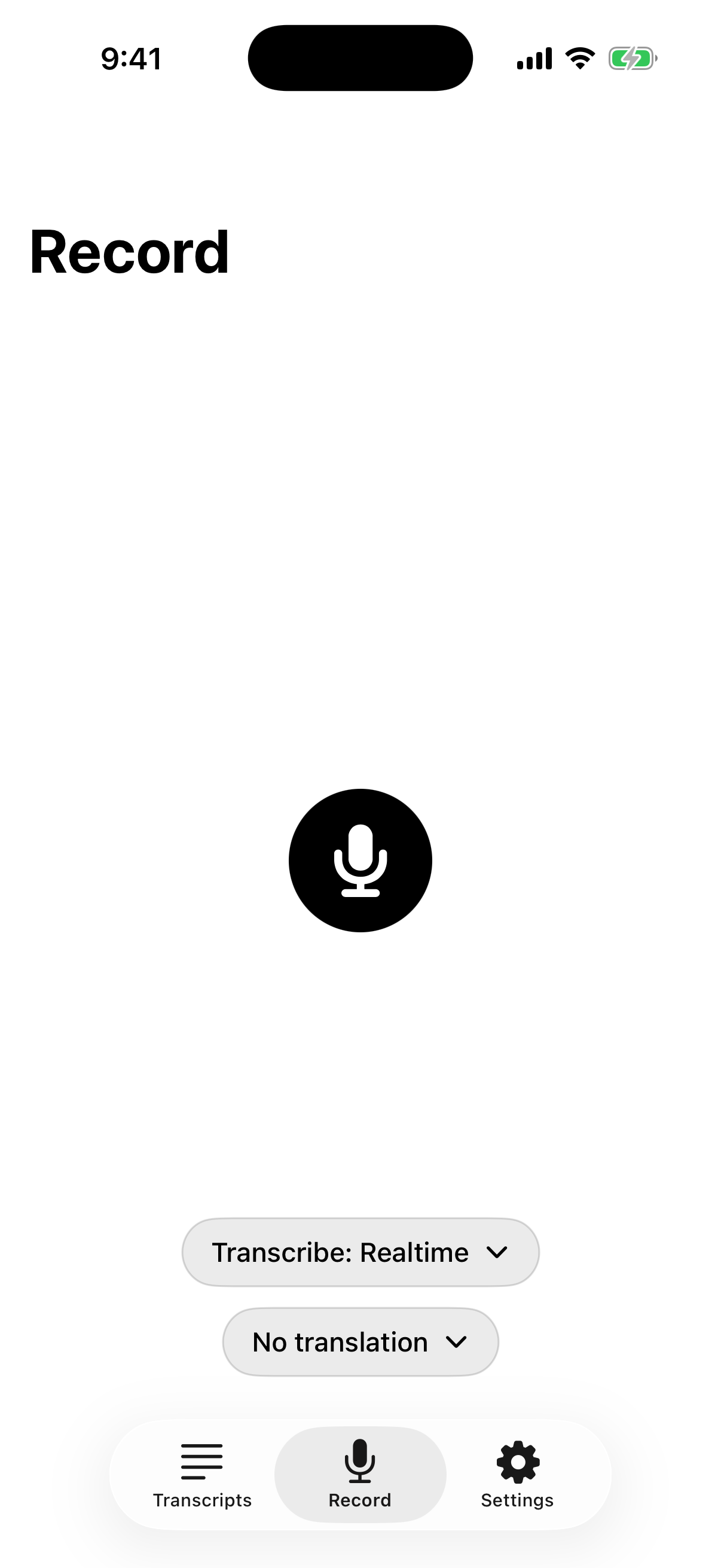
Start recording in a tap. Pause, resume, and keep going in the background while you stay with the conversation.
RecordingPause whenever you need
 revera.
A little more present. A lot less note-taking.
Meet the voice recorder that turns conversations into searchable transcripts, useful summaries, and next steps—so you can listen now and find it all later.
Made for meetings, lectures, interviews, and every idea in between.
01 Capture the conversation
02 Find the details
03 Move things forward
A good listener with a great memory
Revera keeps the conversation close, then makes the useful parts simple to revisit, understand, and share.
Start recording in a tap. Pause, resume, and keep going in the background while you stay with the conversation.
Follow along with live transcription, or capture offline and let Revera queue the transcript for when you’re back online.
“Let’s share the updated plan with the team before Friday…”
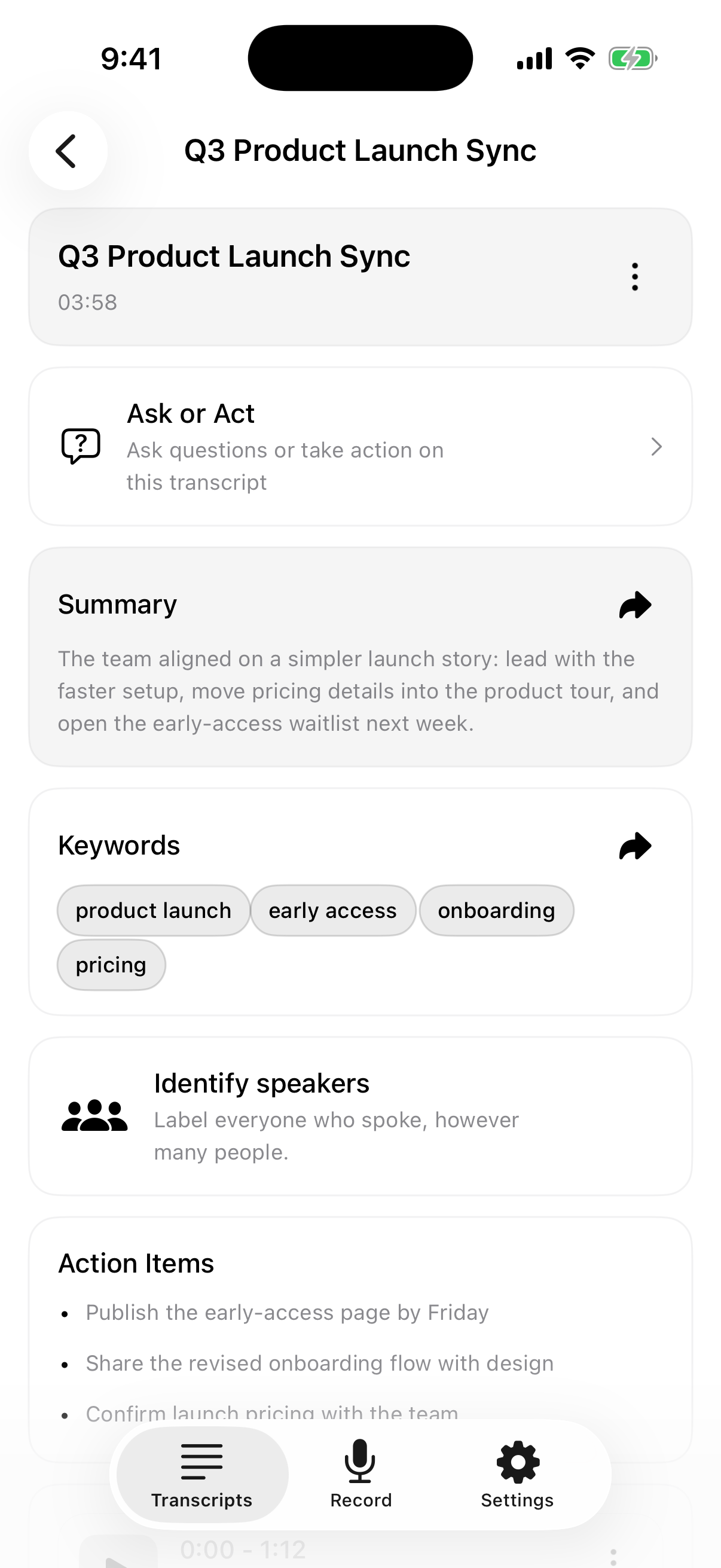
Turn a long transcript into a quick summary, explore its key ideas, or ask a question in plain language.
 Revera for iPhone
A calmer way to take notes
Meetings move quickly. Revera lets you focus on the people in the room while your recording keeps the details close for later.
Get Revera on the App Store ↗Capture a meeting, lecture, interview, or passing thought.
Read along live, or let a queued recording transcribe when you’re connected again.
Search a quote, review a summary, ask a question, and share what matters.
Conversations don’t all sound the same
Transcribe in 14+ languages, choose a language or let Revera auto-detect, and translate a conversation into the language you need.
Thoughtful by design
Recordings and transcripts are saved in the app on your device. When you use online transcription or AI tools, the audio or transcript text needed for that feature is sent to Revera’s service providers for processing.
Read how your data is handled ↗You can clear recordings from the app. AI features need an internet connection; recordings can be queued while offline.
Good questions
Revera saves recordings and transcripts in the app on your device. Depending on the feature you use, audio or transcript text is sent through Revera’s service to OpenAI for transcription, summaries, translation, or transcript questions. See the Privacy Policy for details.
Yes. You can record offline. Online transcription and AI processing need a connection; Revera can queue recordings and process them when you’re back online.
Search across transcripts to find a word or phrase, then use timestamped transcript segments to jump back to a moment in the recording.
Revera supports transcription in 14+ languages, including Arabic, Chinese, English, French, German, Hindi, Italian, Japanese, Korean, Dutch, Portuguese, Russian, Spanish, and Turkish. Language availability can depend on the feature and provider.
Revera is free to download and offers in-app purchases. Subscription availability, pricing, and billing terms are shown by Apple in the App Store and in the app before purchase.